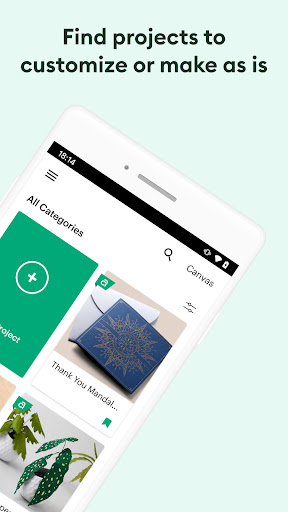
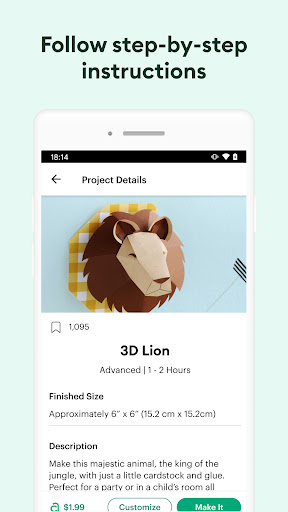
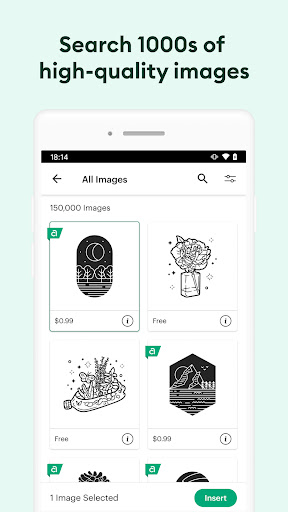
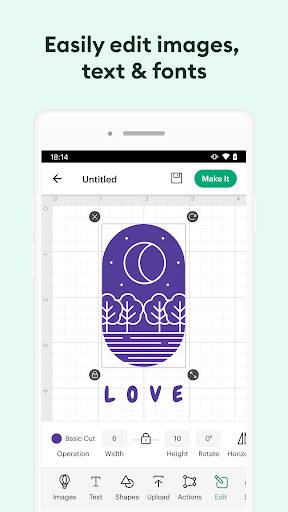
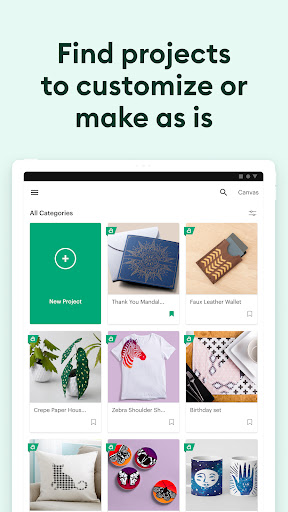
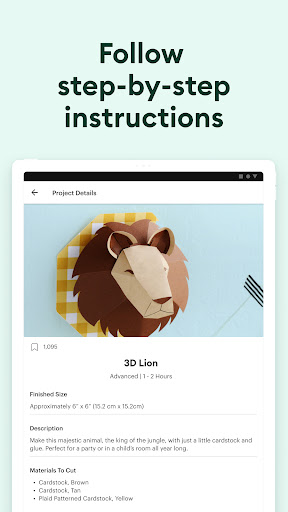
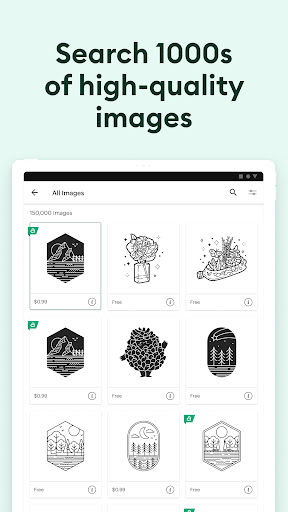
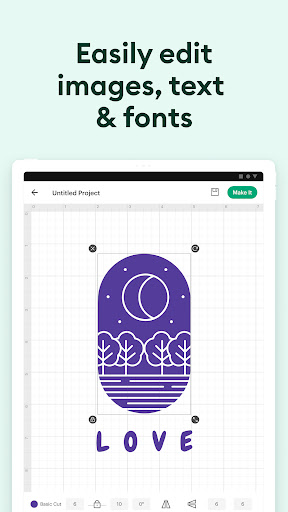
Cricut Design Space™ app is a powerful tool for DIY enthusiasts who want to explore their creativity without limits. The app lets you design, cut, or draw using Cricut Explore™ or Cricut Maker™ machines. Whether you're starting from scratch or using thousands of images, ready-to-make projects, and unique fonts from the Cricut Image Library, the app makes it possible to create from anywhere and at any time.
With Cricut Design Space™ app, you can enjoy various features that make your DIY projects easier, more fun, and more creative. Here are some features of the app:
- Cloud-based syncing – You can create from anywhere and sync your projects across devices.
- SnapMat™ feature – This feature helps you make the most of your materials by showing you how to use your scraps before cutting.
- Bluetooth® connection – You can connect to your Cricut cutting machine with a wireless connection.
- Brand-new features – You can upgrade your device to Android 9 or above to enjoy new features like kerning, spell check, right-to-left text, and more.
Q: How do I use the Cricut Design Space™ app?
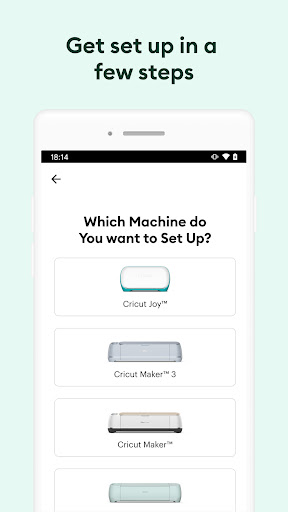
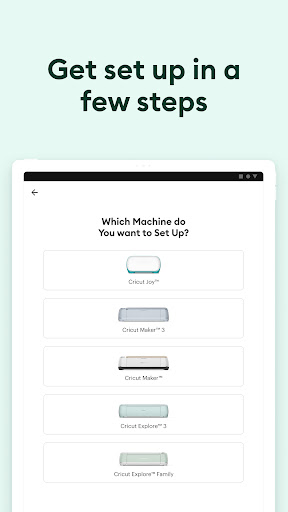
A: First, activate your new machine at cricut.com/setup. Then, download the app from Google Play Store or App Store, sign in to your account, and start creating.
Q: Is the app suitable for Cricut Joy™ machines?
A: Cricut Joy™ owners can use the companion Cricut Joy™ app for fun or functional projects in 15 minutes or less.
Q: Is there customer service available for Cricut Design Space™ app users?
A: Yes, you can contact Cricut Member Care through phone, email, or chat at http://help.cricut.com.
Cricut Design Space™ app is a must-have for DIY enthusiasts who want complete creative freedom. With its easy-to-use interface, vast image library, and exciting features, the app makes crafting more fun, accessible, and rewarding. Whether you're a seasoned crafter or a beginner, you can create amazing projects on-the-go and explore new ways to express your unique style.